
Why That Promo Code Isn't Working - and What to Do About It

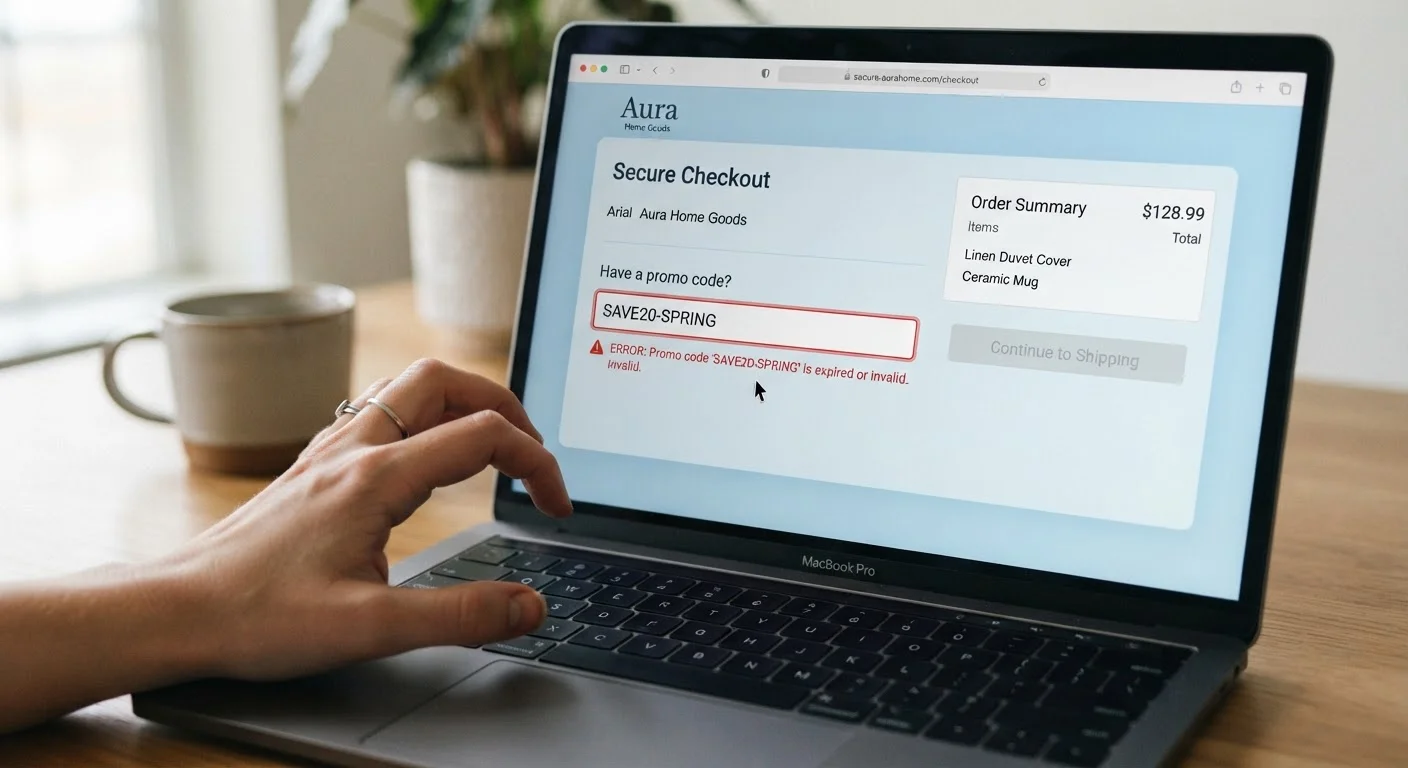
Photo: InsightsChief.com | Your Source Of Trusted Insights editorial
Key Takeaways
- Most promo code failures trace back to expiration, cart exclusions, or single-use restrictions - not retailer errors.
- Checking terms before checkout can save significant time and prevent disappointment at the final step.
- Stacking multiple codes is rarely allowed; understanding each retailer's policy prevents wasted attempts.
- Browser extensions and coupon sites surface codes of varying quality - always verify before relying on them.
The Most Common Reasons a Promo Code Fails
You've filled your cart, pasted in the code, and hit apply - only to see a red error message staring back at you. Before assuming the retailer is at fault, it helps to understand the handful of structural reasons codes fail most often. Addressing these systematically turns a frustrating dead end into a solvable puzzle.
Using an expired promo code found on a third-party deal site.
Applying a code to a cart that contains excluded items.
Attempting to stack multiple promo codes when the retailer only allows one.
Copying a code with hidden characters or extra spaces.
Failing to meet the minimum order threshold before applying the code.
Using a single-use code that has already been redeemed by someone else.
Once you've identified which of these scenarios applies, your next move becomes much clearer. For a broader look at where these codes come from in the first place, see our guide on browser extensions vs. coupon websites - understanding the source of a code often explains why it's failing.
How to Troubleshoot a Rejected Code in Real Time
When a code doesn't work, a quick, structured approach resolves the issue far faster than random retry attempts.
~60%
Coupon codes that fail due to expiration or exclusions
Industry estimates from coupon validation platforms suggest the majority of failed redemptions stem from expired codes or cart-level exclusions rather than technical errors.
1-in-3
Shoppers who abandon cart after a failed code
Consumer behavior research from checkout optimization studies suggests roughly one-third of shoppers leave a purchase incomplete when a promo code doesn't apply as expected.
- Check the error message carefully. Retailers often specify whether the code is expired, doesn't apply to items in your cart, or has already been used. This single step narrows the cause immediately.
- Review the code's terms. Most promotional emails or deal pages include minimum spend thresholds, excluded categories (clearance, electronics, gift cards), or a specific landing page requirement. If you arrived at the site through a direct URL rather than the promotional link, the discount may not activate.
- Try a single eligible item. If exclusions are the likely culprit, temporarily remove suspect items and re-apply the code. If it works, you've identified the excluded product.
- Clear browser cookies or try a private/incognito window. Some single-use codes are tied to a session or account. A fresh session can sometimes reset a falsely flagged code - though this will not revive a genuinely expired or already-redeemed code.
- Contact customer service with the code text. Many retailers will apply a valid discount manually, especially for codes they distributed directly via email.
Don't Share One-Time Codes Publicly
For a proactive approach, use the pre-shopping coupon checklist before finalizing any cart. Catching restrictions before checkout is faster than troubleshooting afterward. And if you use rewards programs alongside promo codes, be aware of the common reward program gotchas that can quietly cancel out your savings.
This article is for general informational purposes only. Specific program terms, restrictions, and policies vary by retailer and may change at any time. Always verify current terms directly with the retailer before completing a purchase.
The content provided on our blog site traverses numerous categories, offering readers valuable and practical information. Readers can use the editorial team’s research and data to gain more insights into their topics of interest. However, they are requested not to treat the articles as conclusive. The website team cannot be held responsible for differences in data or inaccuracies found across other platforms. Please also note that the site might also miss out on various schemes and offers available that the readers may find more beneficial than the ones we cover.