Recurring Subscriptions That Quietly Drain Household Budgets

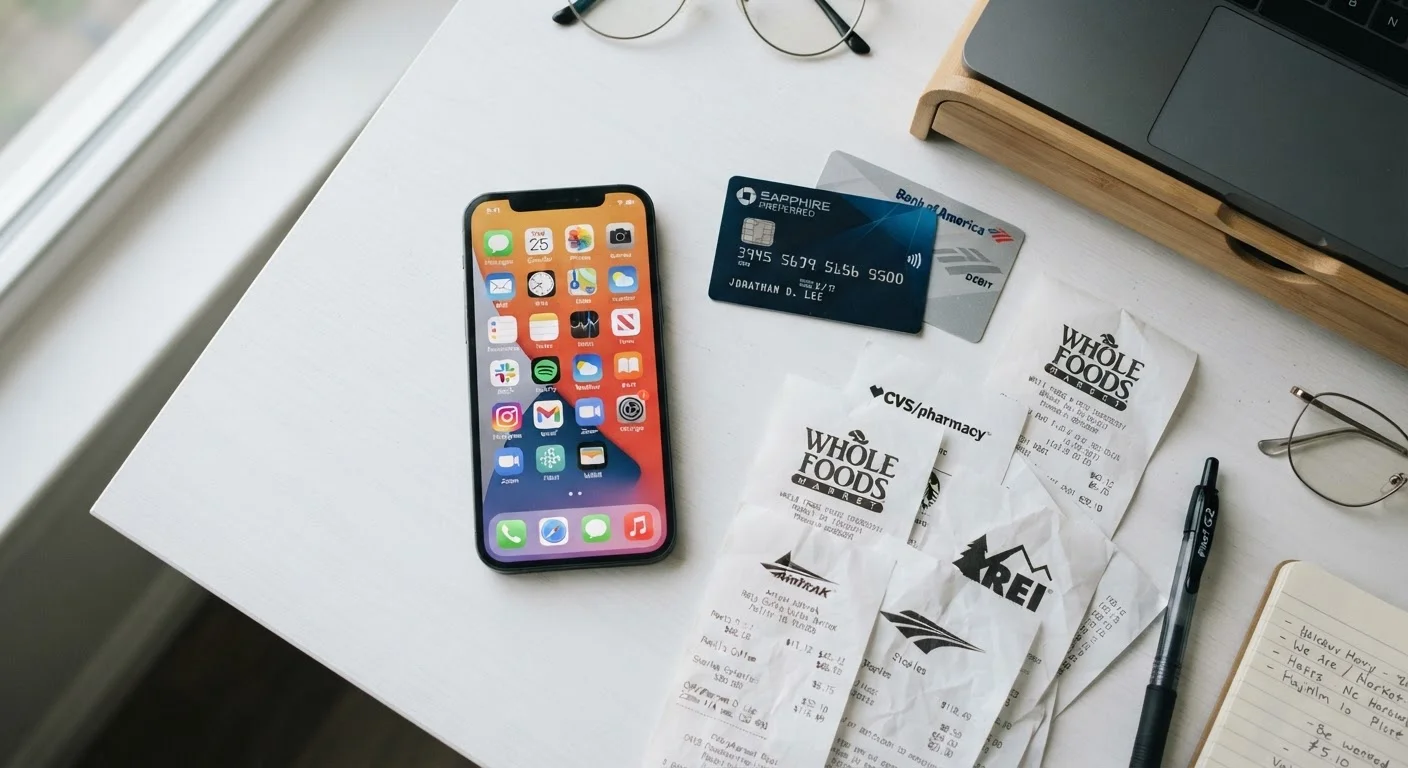
Photo: InsightsChief.com | Your Source Of Trusted Insights editorial
Key Takeaways
- Most households are paying for at least one subscription they no longer actively use.
- A full subscription audit takes under an hour and can reveal surprising recurring charges.
- Canceling unused services and consolidating overlapping ones are the fastest ways to recover budget.
- Reviewing subscriptions monthly - not just once - prevents charge creep from returning.
- Annual billing plans often cost less than monthly plans for services you genuinely use.
Why Subscription Costs Compound Faster Than Most Households Expect
A single $10 monthly charge is easy to dismiss. But households that haven't audited their recurring charges in the past year often find they're carrying eight, ten, or more active subscriptions simultaneously - streaming video, streaming music, cloud storage, fitness apps, news sites, software licenses, delivery memberships, and more. At $10-$15 each, that's $80-$150 or more leaving the account every month, often spread across multiple payment methods in amounts small enough to escape casual notice.
The design is intentional. Subscription businesses benefit from low visibility and automatic renewals. Free trials that convert silently, annual renewals that arrive during busy periods, and charges listed under parent company names rather than the service you recognize all make it harder to track what you're actually paying. This is sometimes called subscription fatigue - and the antidote is a deliberate, systematic audit rather than a one-time cancel-everything impulse.
For households managing a tight budget, this audit belongs in the same category as reviewing utility habits. Just as reducing monthly energy bills requires examining each usage habit rather than assuming your costs are fixed, recovering budget from subscriptions requires looking at every charge individually.
What you will need
How to Audit, Evaluate, and Trim Your Subscriptions
The following steps walk you through a full subscription audit - from surfacing every charge to making deliberate keep-or-cancel decisions and building a habit that prevents the problem from returning. Set aside 30-60 minutes when you can focus without interruption.
Check Every Payment Method You Own
Bank and Credit Card Statement Access
Used to identify recurring charges by scanning transaction histories across all payment methods.
Email Inbox Search
Search for keywords like 'receipt,' 'subscription,' and 'renewal' to surface services you may have forgotten.
Spreadsheet or Budgeting Notebook
Track every subscription found, its cost, billing cycle, and whether it will be kept, paused, or canceled.
Mobile Device Subscription Settings
Apple App Store and Google Play both have built-in subscription management screens listing active charges.
Calendar or Reminder App
Set future reminders before trial periods end or annual renewals occur so you can decide in advance.
Pull Statements From Every Payment Method
Open the last two to three months of statements for every credit card, debit card, PayPal account, and mobile carrier bill you own. Do not skip accounts you rarely use - many subscriptions are intentionally or accidentally tied to secondary payment methods. Download or print the statements so you can highlight charges as you go.
Search Your Email for Subscription Receipts
In your primary email inbox, search for terms like "receipt," "subscription," "renewal," "your plan," and "billing confirmation." This surfaces services you may have signed up for years ago and forgotten. Note the sender, service name, and amount for each result. Repeat the search in any secondary email addresses you use.
Check App Store and Platform Subscription Screens
On iPhone or iPad, go to Settings > [Your Name] > Subscriptions to see a full list of active App Store charges. On Android, open the Google Play Store > Profile > Payments & subscriptions. Also check Amazon's Memberships & Subscriptions section. These screens often reveal charges that don't show up clearly in bank statements because they're bundled under the platform name.
Build a Complete Subscription Log
In your spreadsheet or notebook, create a row for every subscription you've identified. Record: the service name, monthly or annual cost, billing date, which payment method is charged, and the last time you actually used it. Be honest about usage - logging a service as "used occasionally" when you haven't opened it in four months distorts the picture.
Categorize each entry: Essential (genuinely used and valued), Questionable (used rarely or duplicated by another service), or Unused (cannot recall the last time you accessed it).
Cancel or Pause Unused and Questionable Services
Start with the Unused category - these are straightforward cancellations. For Questionable entries, ask: could a free alternative cover the same need? Is this duplicated by another service you already pay for? Could you use a library card, a free tier, or a shared family plan instead?
Cancel directly through the service's website or app - do not rely on removing the payment method alone, as some providers continue charging or move to collections. Take a screenshot of each cancellation confirmation.
Consolidate Overlapping Subscriptions
Review your Essential list for overlap. Common duplications include multiple cloud storage services, more than one music streaming plan in the same household, and antivirus software that duplicates protections built into your operating system. Where you find overlap, decide which single service best fits your needs and cancel the redundant one.
For services your household genuinely wants, check whether a family or bundled plan lowers the per-person cost compared to individual accounts.
Schedule a Monthly Subscription Check-In
Subscription creep returns if you don't monitor it. Set a recurring monthly calendar reminder to spend 10 minutes reviewing new charges against your log. Pair this habit with your broader monthly budget review - the monthly financial reset checklist is a practical companion for catching spending drift across all categories, not just subscriptions.
One Shared Account Can Replace Several
This article provides general financial information for educational purposes only and is not personalized financial advice. Consult a qualified financial professional for guidance specific to your situation.
The content provided on our blog site traverses numerous categories, offering readers valuable and practical information. Readers can use the editorial team’s research and data to gain more insights into their topics of interest. However, they are requested not to treat the articles as conclusive. The website team cannot be held responsible for differences in data or inaccuracies found across other platforms. Please also note that the site might also miss out on various schemes and offers available that the readers may find more beneficial than the ones we cover.